
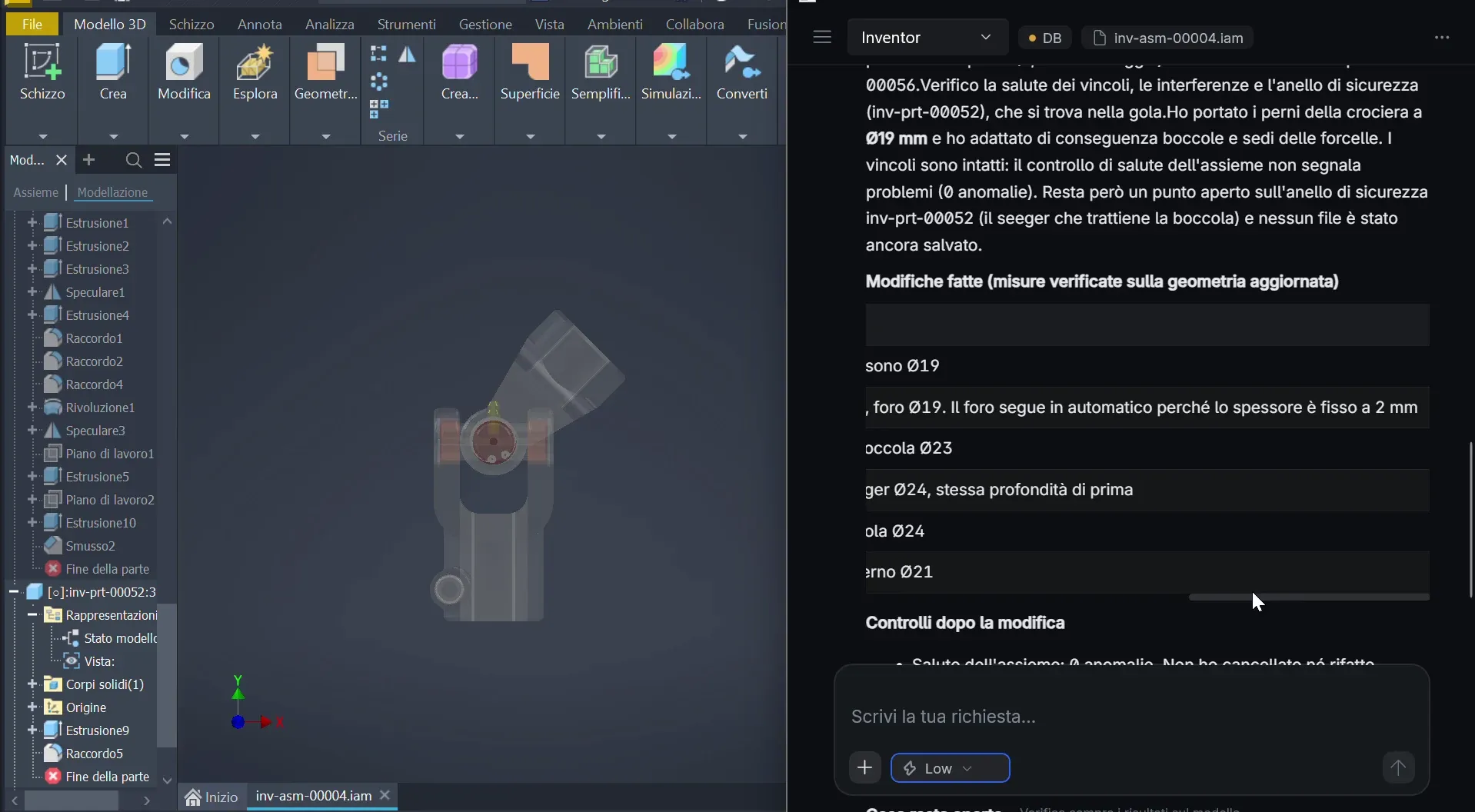
Modification and mating components
NEOCAD / Mechanical design
CAD / PLM / ERP
The AI assistant for parametric CAD models, component reuse and 2D drawings. It connects designs to PLM and ERP data; engineers review the results.
NEOCAD V2 presentation film. Duration: 02:43.
Customers











Workflows and demos
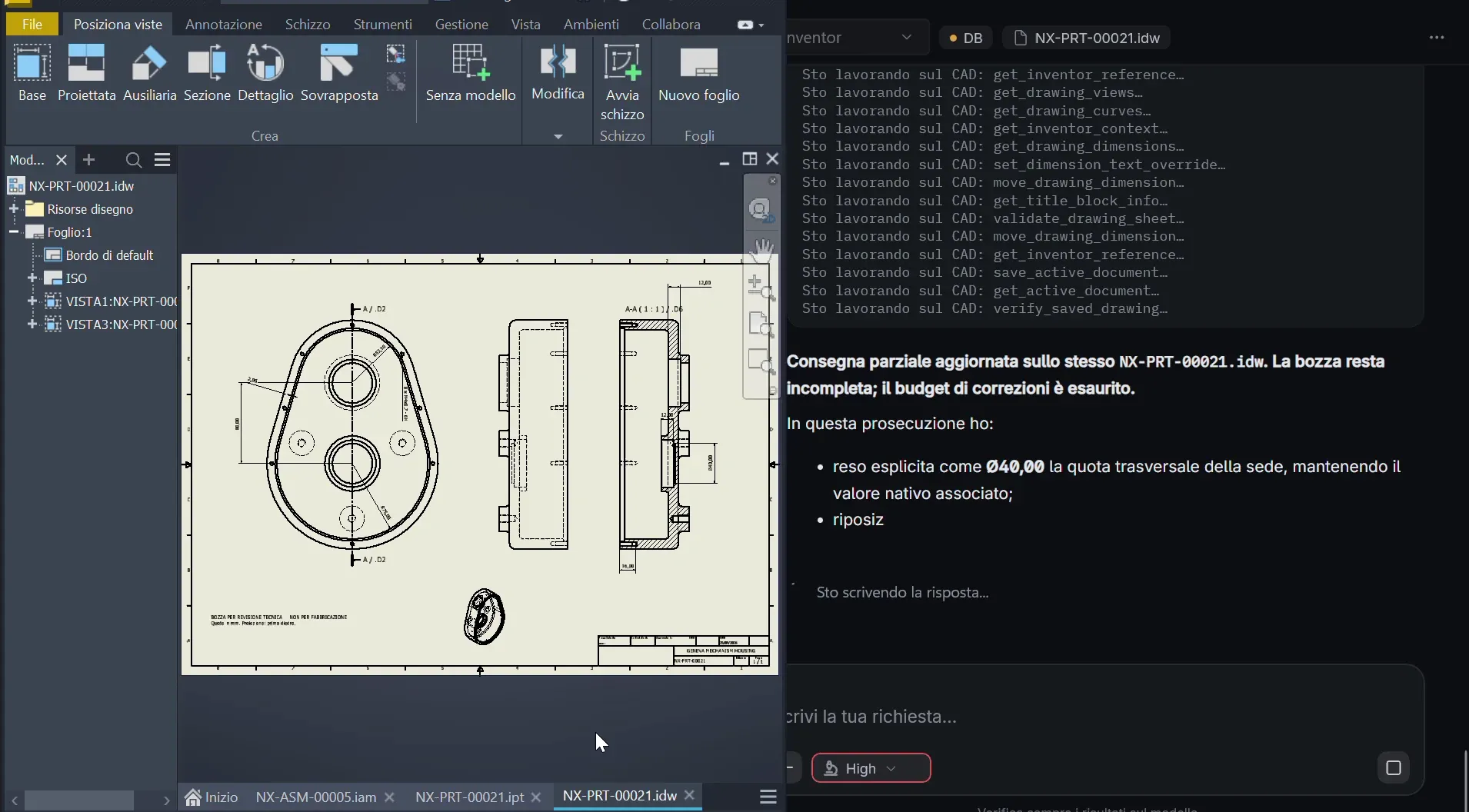
Three recorded workflows: model editing, comparison and 2D drawings. NEOCAD V2 offers complete connectors for every supported CAD system.
Explore workflows and demos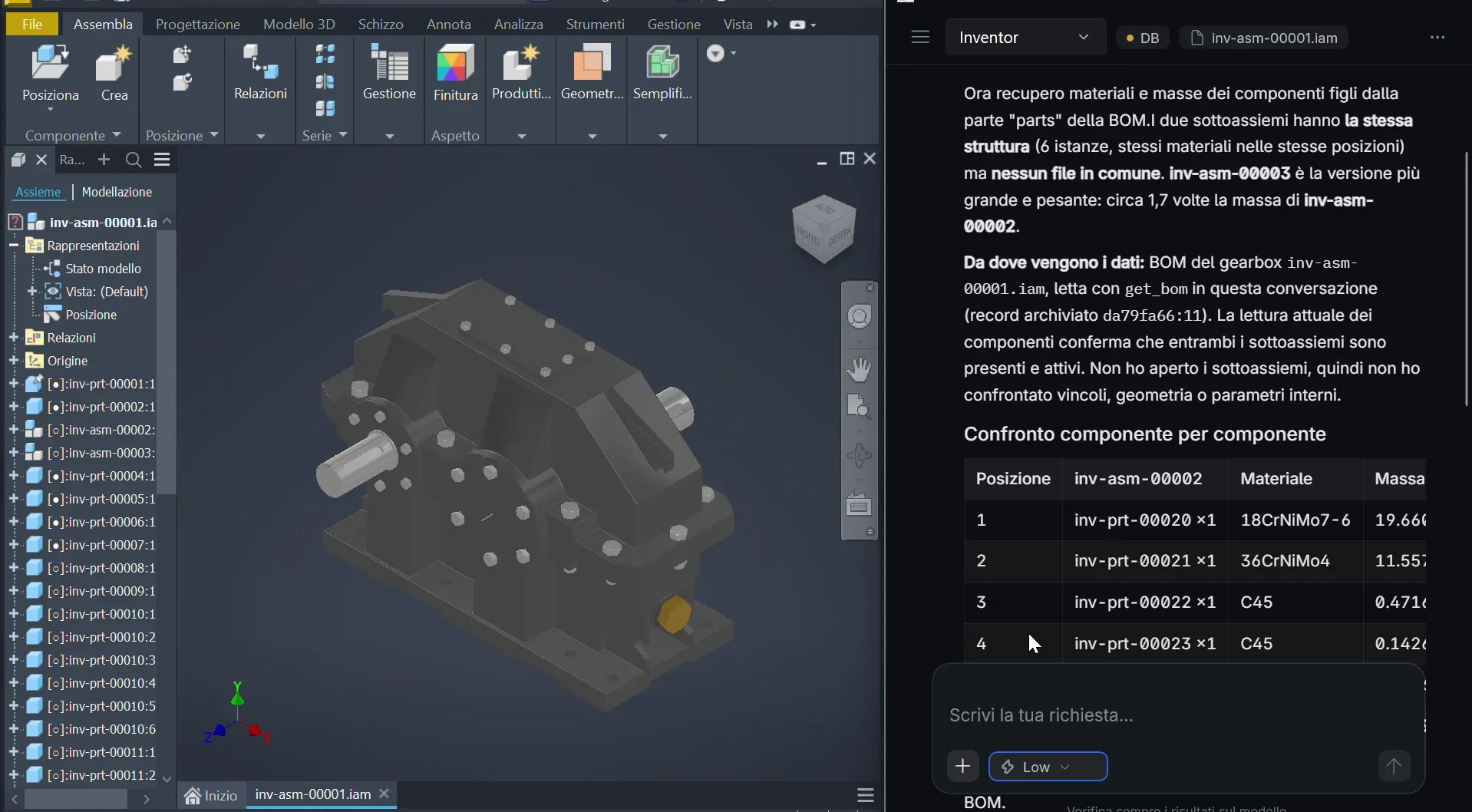
Your engineering history
Prepares and indexes CAD/PDM/PLM data and company documents in the NEOCAD knowledge base for search and AI agents.
How ETL worksFind similar components and previous designs in connected engineering records, using a description or geometry. CAD Search & Inspector helps compare them; engineers assess reuse.
Explore CAD searchFrom CAD to company data
The CAD model
NEOCAD connects geometry, dimensions, constraints and drawings to previous designs and company data, within the CAD tools you already use.
Native parametric editing with the complete CAD connectors in NEOCAD V2.
From the model to company data
Connect revisions, BOMs and jobs. Keep ERP costs for existing components separate from should-cost estimates for new ones.
From CAD to BOMs and costsOne reference, different sources
Model, components and revision define the context.
Recorded costs for existing parts; separate estimates for new parts.
From the model to the process
The Workflow Builder is intended to connect CAD, search and business data. Define steps, connectors and checks with the team.
Explore the Workflow Builder
Workflow / process example
Interactive process illustration, not the NEOCAD interface. No operations are executed.
Select a node to explore its role.
01 / CAD model
Geometry, dimensions and constraints guide subsequent tasks. CAD remains the design tool.
Context: model and engineering requirement.
02 / Engineering search
Similar components and available information to assess for reuse, subject to engineering approval.
To assess: similarities and reuse opportunities.
03 / Engineering review
Engineers check relevance and correctness. The node represents a responsibility, not a software approval feature.
To configure: review arrangements and responsibilities.
04 / BOM and revision
BOMs and revisions connect components to PLM data and cost assessment. Access and operations depend on the configured connector.
Context: components, BOM and revision.
05 / Recorded costs
The path shows ERP cost retrieval, separate from estimates: no automatic writes, orders or inventory movements.
Source: ERP cost data.
06 / Should-cost
Should-cost estimates new component costs; it is not a purchase price or an incurred cost. Branches distinguish sources, not implemented conditional logic.
Source: estimate to assess in the engineering context.
Confirm the process, connectors and review arrangements with NEOCAD. The diagram does not demonstrate available triggers or automatic branching.

NEOCAD / LEGNANO — MILANO
We bring engineering, AI and software development together to build NEOCAD for mechanical design.
News / Media room

The announcement of Invitalia Smart&Start financing, distinct from the previous €550,000 equity round.
Read the article
The release on NEOCAD’s industrial-AI patent filing: the described architecture and statements requiring context.
Read the articleFinding previous designs, file duplication and CAD reuse: where to observe work and which checks to retain.
Read the article